
How to redownload purchased apps from the App Store
Summary
There may be times when you accidentally delete a purchased app before you get a chance to back up your purchases. Just follow the simple steps outlined below to redownload your App Store purchases.1
Products Affected
iTunes Store, iPhone, iPod touch, iPad
To redownload the app to your computer:
1. Make sure you are signed in with the same account used for the original purchase.
2. Locate the app in the App Store and click the BUY APP button.
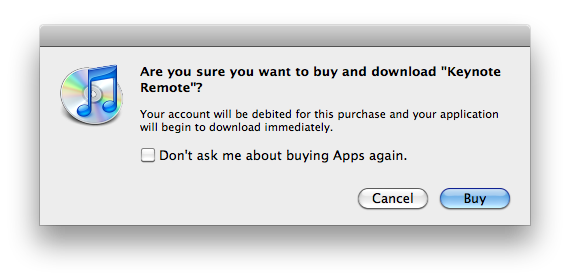
3. You will see a dialog similar to the one below. Click the Buy button.
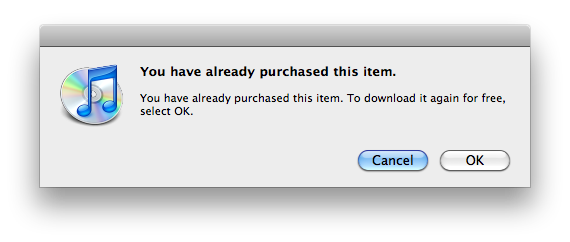
4. You will then see a dialog similar to one below. Click OK to continue with the download.
To redownload the app to your iPhone, iPad, or iPod touch:
1. Make sure you are signed in with the same account used for the original purchase.
2. Locate the app in the App Store and tap Buy App.
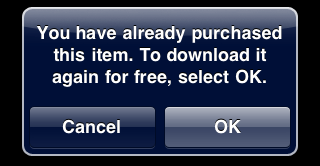
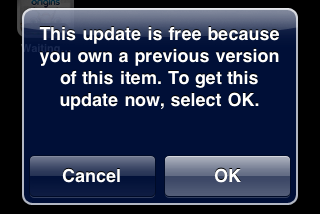
3. You will then see a dialog similar to one of the examples below. Tap OK to continue with the download.
Additional Information
1 If the application is no longer available for download on the App Store, then you will not be able to redownload it.